Introducing CodSpeed CLI: Benchmark Anything
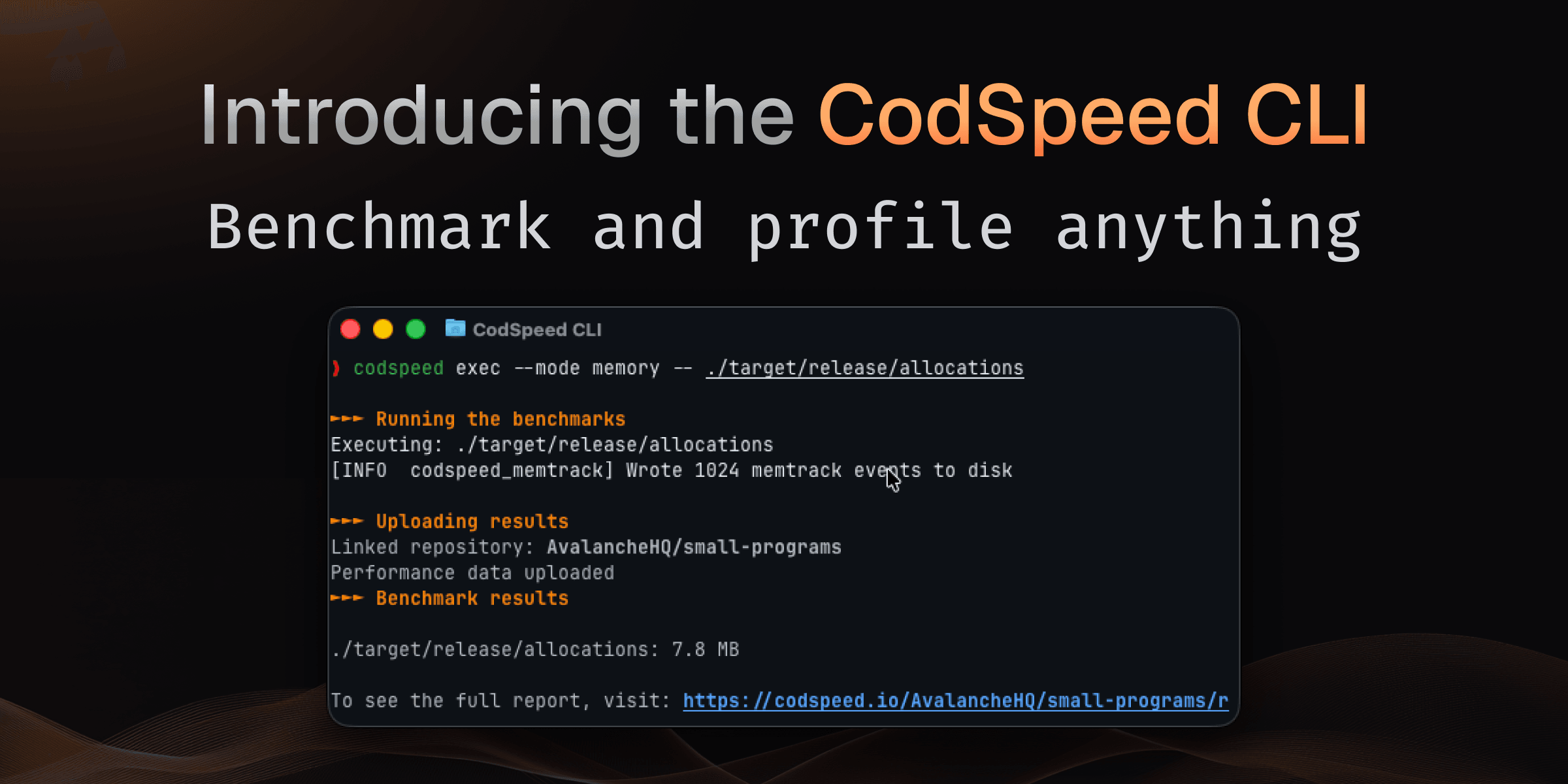
Whether you're profiling a Python script, a compiled binary, or a production workload, benchmarking usually means choosing a framework, writing test harnesses, and integrating with language-specific tooling.
With the CodSpeed CLI, you can benchmark any executable program with a single command no code changes, no framework required. You can benchmark anything.
codspeed execHow It Works
Run the following commands to benchmark any program directly:
# Benchmark a binary
codspeed exec --mode memory -- ./my-binary --arg1 value
# Benchmark a script
codspeed exec --mode simulation -- python my_script.py
# Benchmark with specific config
codspeed exec --mode walltime --max-rounds 100 -- node app.jsNo code changes needed. CodSpeed wraps your program, measures performance, and provides instrument results automatically.
Three Measurement Instruments
Choose the right instrument for your use case:
Simulation Mode: CPU simulation for <1% variance and hardware-independent measurements. Perfect for catching regressions in CI.
Walltime Mode: Real-world execution time including I/O, network, and system effects. Ideal for end-to-end performance testing.
Memory Mode: Heap allocation tracking to identify memory bottlenecks and optimize resource usage.
Config-Based Benchmarking with codspeed run
To keep benchmarks versioned alongside your code, and be able to run them easily
locally or in CI, define them in a codspeed.yml file:
benchmarks:
  - name: "JSON parsing"
    run: "./parse-json input.json"
    mode: simulation

  - name: "API response time"
    run: "python fetch_users.py"
    mode: walltime
    warmup: 3
    min_time: 10s

  - name: "Data processing pipeline"
    run: "./process-data --input large.csv"
    mode: memory
Then execute with:
codspeed run -m walltimeOpen Source and Available Now
The entire CodSpeed CLI is now open source. Check out the code, contribute, and adapt it to your workflow:
Installation is a single command:
curl -fsSL https://codspeed.io/install.sh | bashTry It Yourself
Start benchmarking any executable today. Install the CLI, run codspeed exec on
your program, and see detailed performance results in your dashboard.
Give us a star on GitHub if you find it useful, and check out the CLI documentation to learn more about configuration options, instruments, and language integrations.